


You can view and monitor students’ course lateness through the Lesson Lateness page to keep track of your course lateness.
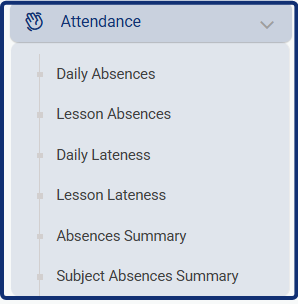
- To view the course Lateness list, click Attendance from the main menu, then Lesson Lateness.
- You can view the teacher who took the lateness through the Taken By column, and view comments about the courses lateness in the Comments column.
- You also can search for students’ lateness by name, course, date, or timeslot.
- You can copy or export the table from the Export button at the top of this table.


